
A tech pack is the instruction manual for your garment. It tells the manufacturer exactly what to make: the shape, the measurements, the fabric, the colours, where the logos go and how it should be packed. A clear tech pack means fewer questions, fewer sample rounds and fewer surprises when bulk production arrives.
Why a tech pack matters
Without a tech pack, the factory has to guess. A reference photo shows how a hoodie looks, but not how long the sleeves should be, how heavy the fleece is, or how big the chest print should be. Every guess is a chance for the result to differ from what you had in mind. A tech pack:
- Gives you accurate quotes, because the factory knows exactly what is involved
- Cuts down sample rounds, which saves time and money
- Keeps reorders consistent, because the same file is used every time
- Protects you if something goes wrong, because the agreed specification is written down
What goes into a tech pack
1. Flat sketches
Front and back drawings of the garment, drawn flat (not on a model). Add close-ups for details such as pockets, zips or collars. You can draw these by hand, in Illustrator, or in free tools such as Canva.
2. Measurement chart (spec sheet)
The key measurements for each size: chest width, body length, sleeve length, waist, hip, inseam and so on. If you are not sure, send a garment you like and ask the factory to measure it as a base.
3. Fabric and trims
The fabric type, weight (GSM) and composition, for example “400 GSM cotton-poly brushed fleece”. List every trim: zips, drawcords, eyelets, elastic, buttons and labels.
4. Colours
Use Pantone codes (such as Pantone 19-4052 TCX) rather than names like “navy”. Different factories and screens see “navy” differently.
5. Artwork and placement
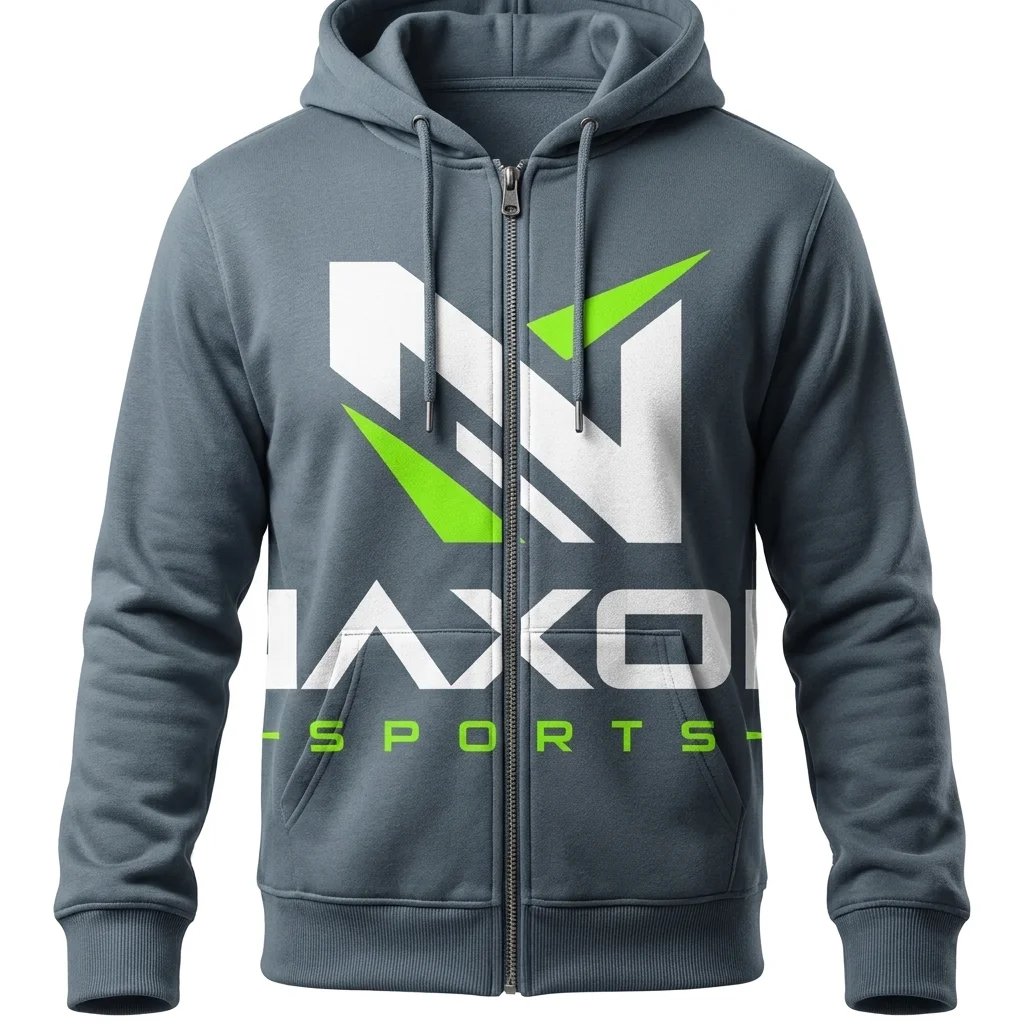
Your logos and prints in vector format, with the size and exact position, for example “logo 8 cm wide, centred, 7 cm below the collar seam”. State the method: screen print, puff print, embroidery or sublimation.
6. Labels and packaging
Neck label, care label, hang tag and polybag details, including what text goes on each one.
7. Size breakdown
How many pieces of each size you want, for example S 10, M 20, L 20, XL 10.
Common tech pack mistakes
- Missing tolerances: say how much a measurement can vary (often ±1 cm), so both sides agree on what counts as correct.
- Low-quality artwork: a JPG from social media will not print sharply. Always send vector files.
- Too much detail in the wrong places: a long design story is not needed. Clear measurements are.
- Not updating after samples: if you change the fit after a sample, update the tech pack so bulk matches the approved sample.
Do you always need a full tech pack?
No. For simple products, such as a custom soccer kit or a hoodie from our catalogue, you can pick a design number, send your logo and choose colours and sizes. We turn that into a digital mock-up for you to approve. A full tech pack is most useful when you create a new garment shape from scratch, or when you want exact consistency across many reorders.
A simple tech pack template
If you are starting out, one page per garment with these headings is enough:
- Style name and number
- Front and back sketch
- Fabric, GSM and colour (Pantone)
- Measurement table for each size
- Artwork, size, position and print method
- Trims and labels
- Size breakdown and total quantity
Frequently asked questions
Can you make a tech pack for me?
For catalogue designs, yes. Send your logo and references and we prepare the mock-up and specification for you to approve.
What file format should a tech pack be in?
PDF is the most common. Send artwork separately as AI, EPS, PDF or SVG files.
Does a tech pack protect my design?
It records what was agreed, which helps if there is a dispute. For legal protection of a design, speak to a trademark or IP adviser in your country.
New to manufacturing? Read our guide on how to start a sportswear brand, or send us your idea for a free mock-up.